
- Introduction to HMI Display Selection in Industrial Automation
- What Is an HMI Display in Industrial Automation?
- Why Choosing the Right HMI Display Matters
- Key Factors to Consider When Choosing an HMI Display
- HMI Display Types Used in Industrial Automation
- How to Choose the Right HMI Display Based on Application
- HMI Selection Checklist for Engineers
- Common Mistakes in HMI Selection
- Best Practices for HMI Selection in Industrial Projects
- Future Trends in HMI Technology
- Final Thoughts on Selecting the Right HMI Display
- Key Takeaway for Automation Engineers
Introduction to HMI Display Selection in Industrial Automation
A Human Machine Interface (HMI) is one of the most important operator-facing components in any industrial automation system. It acts as the bridge between people and machines, allowing engineers and operators to monitor process values, acknowledge alarms, change setpoints, and control equipment in real time. In modern plants, the HMI is not just a display; it is a decision-making tool that directly affects productivity, safety, and maintenance efficiency.
Importance of Choosing the Right HMI Display for Efficiency and Reliability
It’s very important to choose the proper HMI display because choosing the wrong one might make it hard to operate, cause communication problems, lower operator efficiency, and cause downtime that isn’t needed. It may be hard to read a panel that is too small, and an HMI with the wrong IP rating may break in moist or dusty places. Likewise, an incompatible communication protocol can create integration issues between the HMI and PLC.
Need for a Structured HMI Selection Guide for Industrial Automation
The goal isn’t only to acquire a screen; it’s also to find a solid interface that works with the application, the environment, and the long-term lifecycle needs. A thorough choice increases ROI, cuts down on the time it takes to fix problems, and makes the plant safer to run.
Explore SCADA and HMI differences: SCADA vs. HMI: Complete Guide to Differences, Functions and Applications
What Is an HMI Display in Industrial Automation?
Role of HMI as a Human Machine Interface in Industrial Automation Systems
An HMI display provides a way for operators to see and manage industrial processes. It shows the status of machines, alerts, trends, recipes, and process parameters in a way that is easy to grasp on the plant floor.
The HMI is usually in the middle of the PLC, sensors, actuators, and the operator in an automation system. The PLC gathers field signals from sensors and runs logic on them. The HMI then turns that data into useful information for the operator. This means that the HMI is an important part of the automation architecture for communication and control.
Real-World Applications of HMI Displays
- The HMI in a water treatment plant can show the levels of tanks, the status of pumps, and the amount of chlorine being added.
- It may show the speeds of the motors, the state of the alarms, and the number of items produced on a packaging line.
- In an oil and gas skid, it may present pressure, flow, temperature, and emergency shutdown status.
- In HVAC systems, it may provide fan control, damper positions, and temperature scheduling.
For this reason, the right HMI display must match the application, process criticality, and operating environment.
Why Choosing the Right HMI Display Matters
The industrial HMI display selection criteria should always be based on practical plant requirements. A good HMI improves the way operators interact with the system, while a poor one creates friction and risk.
Key benefits of selecting the right HMI
- Safety improvement: Clear alarms and simple controls support faster response.
- Better safety: Clear alarms and easy-to-use controls let people respond faster.
- Less human error: A logical interface cuts down on improper entries and missed warnings.
- Faster fixing: Maintenance personnel can find problems faster.
- Lower lifecycle cost: A reliable HMI cuts down on costs for replacement, downtime, and rework.
In short, the HMI with the most functionality is not always the ideal one for PLC systems. It is the one that works best for the job, the operator, and the plant.
Understand plant HMI screen levels: Various levels of HMI screens involved in a process plant?
Key Factors to Consider When Choosing an HMI Display
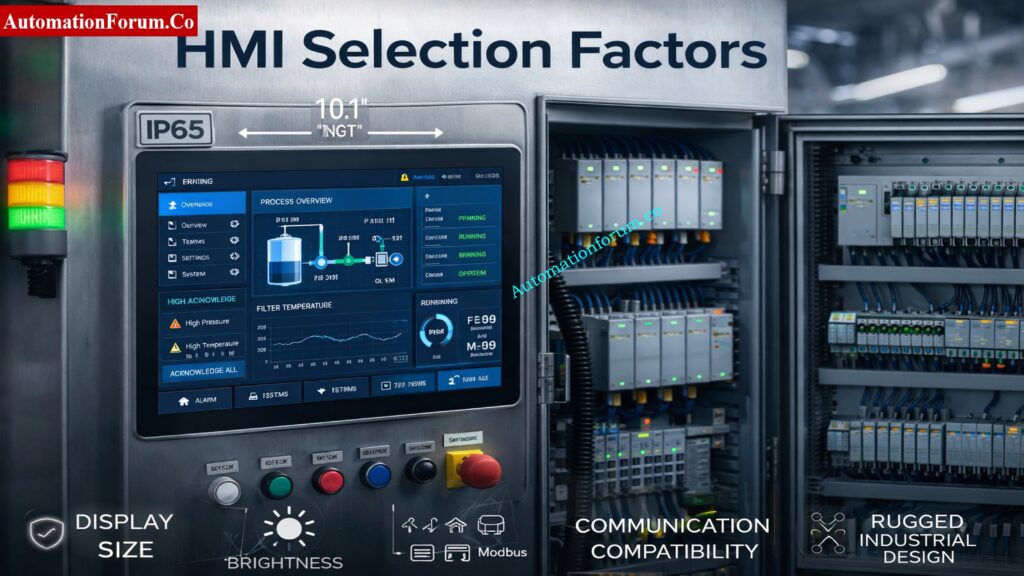
Environmental Conditions and IP Rating
The first step in any HMI panel selection checklist is evaluating the installation environment. An HMI used indoors in a clean electrical room has very different requirements from one installed on a dusty production line or outdoor machine.
Important factors to review
- IP rating for HMI panel
- Dust and moisture exposure
- Temperature range
- Vibration and shock resistance
- Chemical exposure
- Washdown requirements
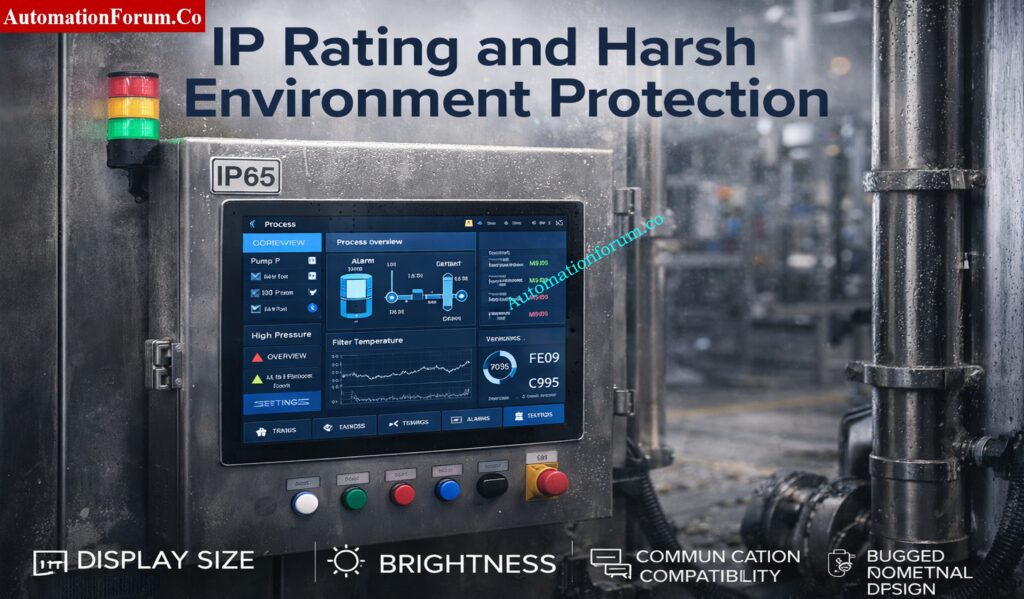
Common protection levels include:
- IP65: Protected against dust and low-pressure water jets
- IP66: Stronger protection against powerful water jets
- IP67: Protection against temporary immersion in water
NEMA ratings may also be relevant when selecting a panel for North American industrial applications. For outdoor or harsh environments, the enclosure and display protection must be chosen together. In hazardous areas, additional certifications may be required depending on the site classification.
Display Size and Resolution
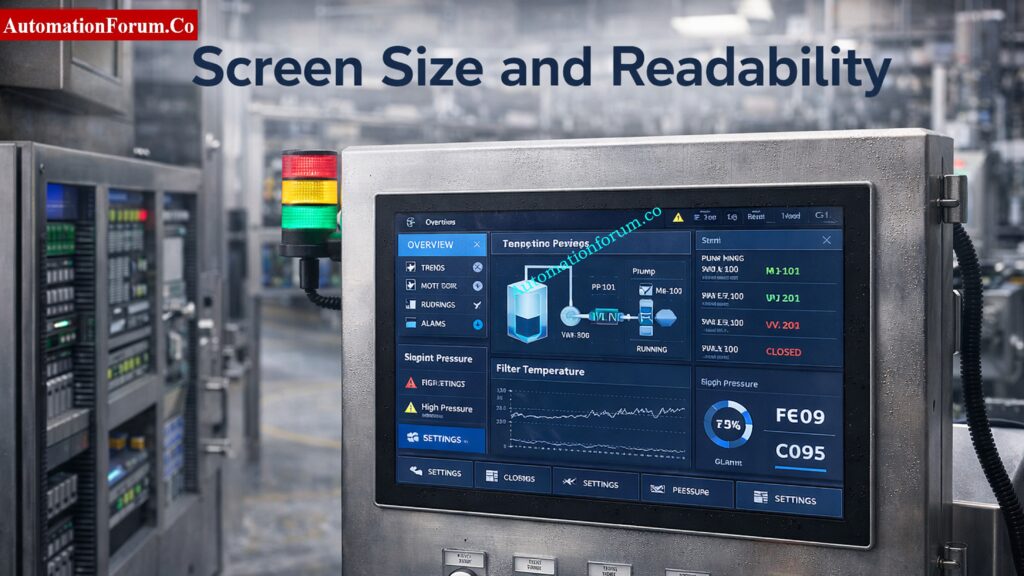
HMI screen size selection should be based on operator distance, amount of data displayed, and the complexity of the process. A small screen may work well for a simple machine, but a large process system often needs a bigger interface with better resolution.
Typical screen sizes
- 4-inch HMI: Compact machines, simple status display
- 7-inch HMI: General-purpose industrial machines
- 15-inch and above: Large systems, SCADA-like visualization, or control room use
What to consider
- Viewing distance
- Number of screens required
- Alarm visibility
- Trend display needs
- Operator ergonomics
Higher resolution improves readability, especially when the screen includes detailed graphics, trends, or multiple values. For applications where operators must view the screen quickly from a distance, size and clarity matter just as much as software features.
Learn HMI standards and ASM: What is HMI and How ASM standards are used in HMI?
Touch Technology: Resistive vs Capacitive
When comparing touchscreen HMI vs non-touch HMI, touch technology is a major decision point. Even among touch panels, the type of touch interface matters.
Resistive touch
- Works with gloved hands
- Suitable for harsh industrial use
- Can be used with stylus or finger
- Usually less responsive than capacitive touch
Capacitive touch
- Smooth and modern user experience
- Better for multi-touch interaction
- Higher clarity and sensitivity
- May be difficult to use with heavy gloves
For many industrial applications, resistive touch is still preferred because operators often wear gloves and need reliable input in tough conditions. Capacitive displays are becoming more common in newer systems, especially where the environment is controlled.
Understand what an HMI does: What is an HMI? What is HMI used for?
Brightness, Nits and Outdoor Visibility
Brightness is a major part of industrial display specifications HMI buyers should review. A display that looks fine in a design office may become unreadable on the plant floor if ambient light is too high.
Consider the following
- Indoor control room use
- Outdoor or semi-outdoor use
- Direct sunlight exposure
- Anti-glare and anti-reflective coatings
- Viewing angle consistency
A higher brightness rating improves readability in bright environments, but glare control is equally important. For outdoor cabinets, choose a display designed for sunlight readability, not only higher brightness.
Learn how HMI alarms work: Human Machine Interface Alarms (HMI Alarms)
PLC, SCADA and Communication Protocol Compatibility
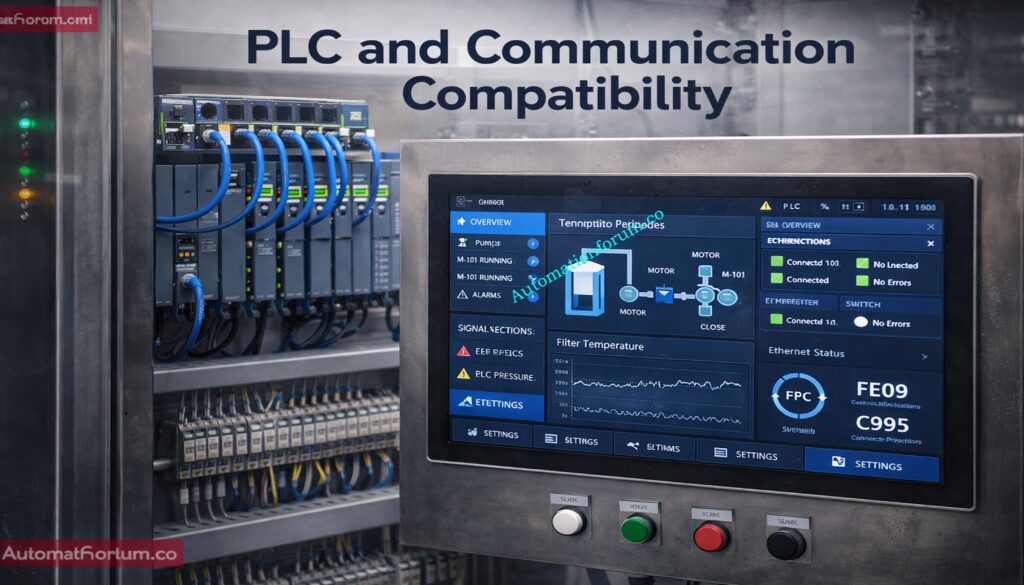
HMI compatibility with PLC/DCS systems is one of the most important selection factors. Even the best screen becomes useless if it cannot communicate properly with the controller.
Common communication protocols
- Modbus RTU
- Modbus TCP
- Ethernet/IP
- Profinet
- Profibus
- OPC UA in advanced systems
Questions to ask before purchase
- Is the HMI compatible with the PLC brand?
- Does it support the required communication protocol?
- Can it handle multiple devices on one network?
- Is driver support available for current firmware versions?
A reliable HMI selection guide for industrial automation should always include communication verification before final procurement. Vendor ecosystem compatibility is especially important when working with Siemens, Allen-Bradley, Schneider Electric, Mitsubishi, Delta, Omron, or other major platforms.
Learn the basics of HMI: What is HMI (Human Machine Interface)?
Processing Power and Memory
An HMI is more than just a screen; it’s a computer. The amount of memory and processing capacity it has affects how well it can handle alerts, data logging, trends, sophisticated visuals, and managing recipes.
Higher processing power is useful when you have
- Multiple animation objects
- Large alarm databases
- Historical data storage
- Communication with multiple PLCs
If your memory is low or your performance is limited, your screen may take a long time to load, your computer may lag while it’s running, or it may not work at all. For modern automation systems, it is better to choose enough capacity for future expansion rather than only the minimum required today.
Solve SCADA communication issues quickly: SCADA Communication Problems and How to Fix Them
HMI Software and UI/UX Design
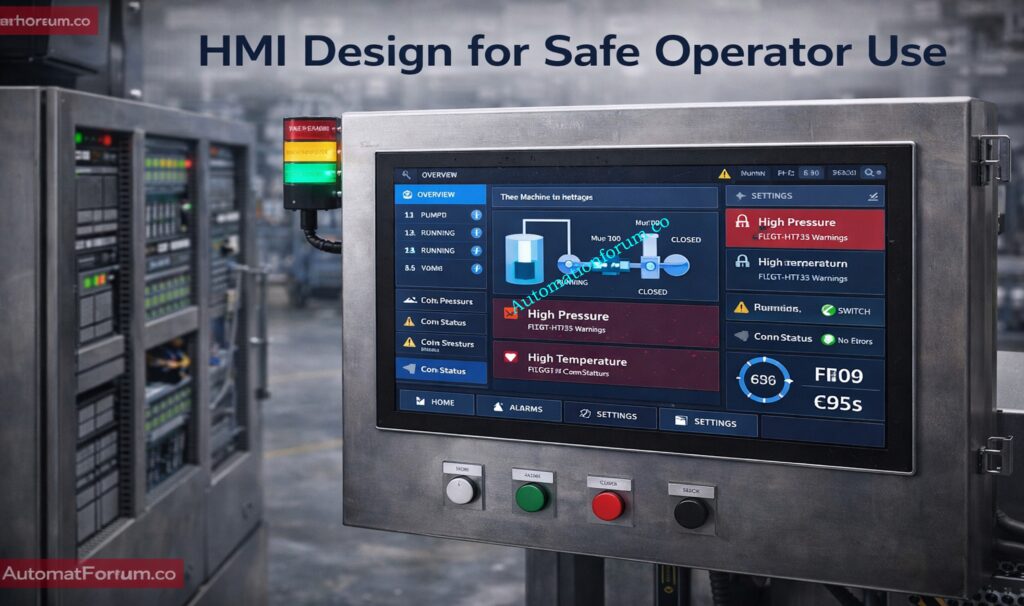
Good software design is just as important as hardware. The ISA 101 HMI design guidelines stress high-performance HMI principles that are based on clarity, uniformity, and operator effectiveness.
Good HMI design practices
- Keep alarm screens visible and intuitive
- Avoid cluttered graphics
- Use consistent symbols and colors
- Present only relevant process data
- Support fast decision-making
A good HMI should enable operators immediately spot problems. Users shouldn’t be distracted by extra images or screens that are too full. This is very significant in procedures where the time it takes to respond is important.
Strengthen SCADA security with checklist: SCADA Security Checklist: 30+ Essential Tips for Securing Critical Infrastructure
Panel Mounting and Mechanical Fitment
Before finalizing the HMI selection, engineers should confirm mechanical fitment. The panel cutout, depth, cable routing, and mounting style all matter.
Check these items
- Panel cutout dimensions
- Back-panel clearance
- Door thickness
- Cable bend radius
- Space for terminal connections
- Retrofit compatibility
For retrofit projects, the new HMI should fit the existing enclosure as closely as possible. In modern panels, the layout can be more flexible, but access and serviceability are still important.
Certifications & Standards
In many cases, industrial settings need to meet certain requirements and certifications. These may differ based on geography, sector, and application.
Common standards to review
- IEC 60529 for IP protection ratings
- UL certification where applicable
- CE marking for certain markets
- ATEX or similar hazardous area approvals, when required
Choosing a certified product makes it more likely that it will work safely and be accepted more easily during audits or commissioning.
Assess OT cybersecurity with NIST: ICS/SCADA OT Cybersecurity Self-Assessment: NIST-Based Procedure for Critical Infrastructure
HMI Display Types Used in Industrial Automation
In industrial automation, there are many different kinds of HMI systems.
Basic HMI Panels
These are small and cheap, making them great for controlling small equipment and simple activities.
Advanced HMI Systems
These can handle more complex visuals, keep track of data, set off alerts, and occasionally even SCADA-like tasks.
Industrial PCs
Industrial PCs have more processing power and are more flexible, which is especially useful for applications that are complicated or use a lot of data.
Mobile or Tablet HMIs
Some current systems use them for portability and remote access, however they might not work in all industrial settings.
Each type should be selected based on process complexity, operator workflow, and maintenance strategy.
Refer the below link for the Factory Acceptance Test (FAT) Activities for SCADA System: Step-by-Step Checklist
How to Choose the Right HMI Display Based on Application
Different industries need different HMI features. Here are some practical examples.
HMI Selection for Manufacturing Lines
For production machines, speed, ease of use, and good interface with PLCs should come first. A 7-inch or 10-inch screen is often enough for local machine control.
HMI Selection for Oil and Gas Plants
For harsh and safety-critical environments, choose a rugged HMI with suitable IP rating, broad temperature tolerance, and reliable communication with control systems.
HMI Selection for Water Treatment Systems
In water treatment, the HMI should show levels, pumps, valves, alarms, and trends clearly. Data logging and remote access can be especially useful.
HMI Selection for HVAC Applications
For building automation, the HMI should be easy to use, energy-focused, and designed for clear visualization of temperatures, schedules, and equipment states.
HMI Selection for OEM Machines
OEMs usually need compact, cost-effective, and scalable HMI solutions that can be standardized across multiple machines.
Test your SCADA knowledge now: Advanced SCADA Systems Quiz
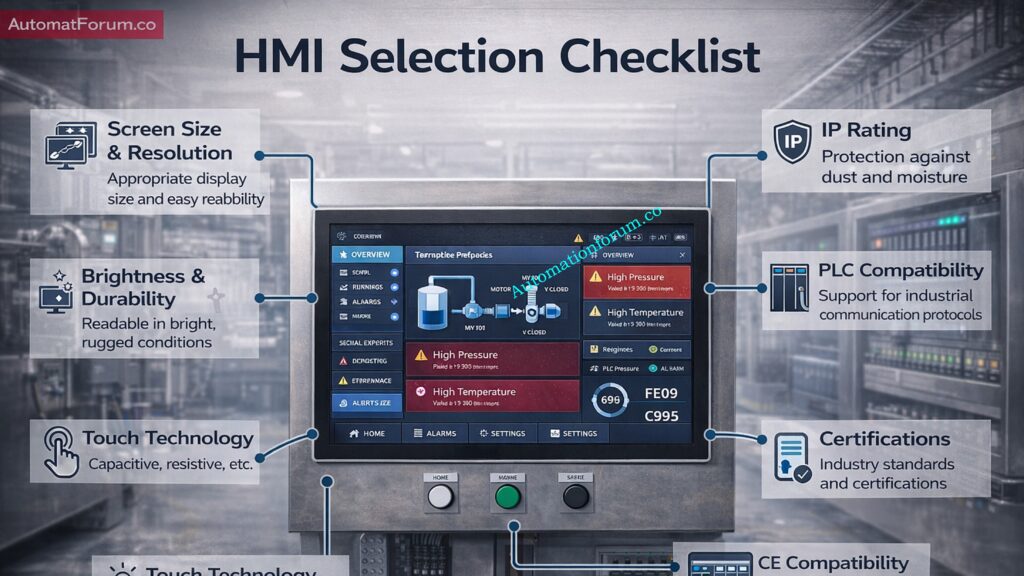
HMI Selection Checklist for Engineers
| Parameter | Requirement | Recommended Range | Remarks |
| Screen size | Match operator distance and data density | 4″ to 15″+ | Larger for complex processes |
| Display resolution | Clear text and graphics | Medium to high | Higher for trends and multi-screen use |
| Touch technology | Suitable for operation style | Resistive or capacitive | Resistive works well with gloves |
| IP rating | Protect against dust/water | IP65, IP66, IP67 | Based on environment |
| Communication protocol | Match PLC/DCS system | Modbus, Ethernet/IP, Profinet | Confirm driver support |
| Processing power | Handle graphics and alarms | Adequate for application | Leave room for expansion |
| Memory/storage | Support recipes and logs | Sufficient for lifecycle needs | Important for data logging |
| Brightness | Readable in ambient light | Indoor to sunlight-readable | Consider anti-glare |
| Mounting style | Fit panel design | Panel mount / flush mount | Check cutout dimensions |
| Certifications | Meet project standards | IEC, UL, CE, ATEX as required | Depends on site and region |
This HMI panel selection checklist can be used during specification, procurement, FAT, and final commissioning.
Compare different SCADA architectures: Different Types of SCADA System Architecture
Common Mistakes in HMI Selection
Even experienced teams sometimes make avoidable errors.
Oversizing or Undersizing the Screen
A screen that is too small can be hard to use, while a screen that is too large can be unnecessary and expensive.
Ignoring the Operating Environment
Choosing a panel without the right IP rating or temperature range can lead to premature failure.
Poor HMI Screen Design
A cluttered display reduces operator efficiency and increases the chance of mistakes.
Choosing the Wrong Communication Protocol
If the HMI cannot communicate with the PLC or DCS, the project will face delays and rework.
Not Planning for Future Expansion
Understand PLC resolution in detail: Resolution in PLCs – The Complete Guide for Automation & Instrumentation Engineers
Best Practices for HMI Selection in Industrial Projects
Perform a Site Survey
Always review the installation environment before choosing the display.
Validate During FAT and SAT
Plan for Scalability
Select a platform that can support future process changes or machine upgrades.
Consider Cybersecurity
Modern HMIs may connect to networks, remote access tools, or cloud platforms, so access control and data protection should be part of the specification.
Standardize HMI Platforms
Using common HMI platforms across multiple machines simplifies training, spares, and maintenance.
Master essential PLC data types: PLC Data Types Every Automation Engineer Must Know to Avoid Costly Programming Errors
Future Trends in HMI Technology
HMI technology continues to evolve with the wider automation landscape.
Web-Based HMI Systems
Web-based interfaces allow access through browsers and can simplify remote monitoring.
Cloud Integration
Cloud-connected HMIs can support data sharing, reporting, and centralized visibility.
IIoT Dashboards
Industrial internet dashboards provide higher-level analytics and plantwide insights.
AI-Driven HMI Interfaces
Artificial intelligence may help operators identify abnormal patterns, predict faults, and improve decision-making.
These trends will shape the next generation of industrial display specifications HMI users should evaluate.
Inspect PLC components in panels: Running Inspection Checklist of PLC Components in Control Panels
Final Thoughts on Selecting the Right HMI Display
Choosing the right HMI display is a practical engineering decision that affects performance, safety, and lifecycle cost. The best selection is not based on screen size alone. It must consider environment, protection rating, brightness, resolution, touch technology, PLC compatibility, processing power, and software design. A organized method lets engineers choose a dependable interface that meets the plant’s real demands and avoid making expensive mistakes.
Troubleshoot PLC permissive logic fast: PLC Permissive Logic Troubleshooting Procedure for Instrumentation Engineers
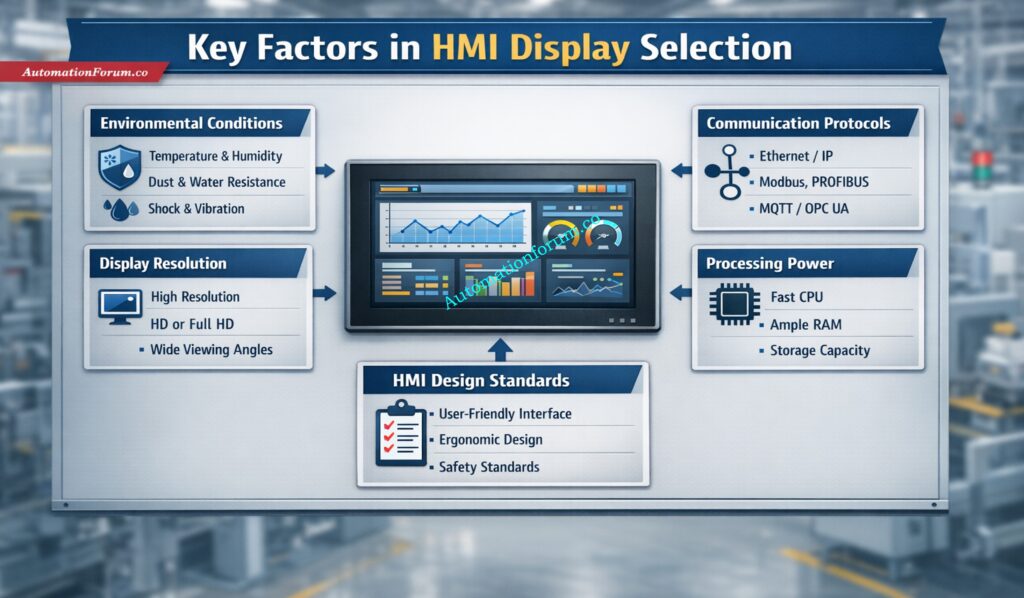
Key Takeaway for Automation Engineers
A good HMI selection guide for industrial automation should always start with the application, not the brochure. Engineers may make operator interfaces that are easier to use, safer to use, and more effective over time by using a clear HMI panel selection checklist, checking that the HMI works with PLC/DCS systems, and following ISA 101 design requirements.
The ideal HMI for automation projects is more than just a screen. It is a very important part of the control approach.
Refer the below link for the Proactive Maintenance Strategies for PLC I/O Modules: Reduce Downtime & Improve Reliability
