
- SCADA Communication Problems in Industrial Automation
- Why SCADA Communication Problems Occur in Industrial Plants
- Top SCADA Communication Problems and Solutions
- SCADA Is Not Updating Values from PLC
- Intermittent SCADA Communication (Values Come and Go)
- SCADA Shows Wrong Values While PLC Is Correct
- SCADA Communication Timeout Errors
- IP Address Conflict in SCADA Network
- Modbus Communication Not Working in SCADA
- SCADA Works on Server but Not on Client PCs
- SCADA Data Update is Very Slow
- SCADA Loses Data During Power Failure
- SCADA Communication Fails After PLC Program Download
- Why Mastering SCADA Communication Troubleshooting Makes You a Better Automation Engineer
- Frequently Asked Questions (FAQ) on SCADA Communication Problems
SCADA Communication Problems in Industrial Automation
The operational core of modern industrial facilities is SCADA systems. Continuous and dependable communication between PLCs, RTUs, field devices, and SCADA servers is necessary for every value shown on an HMI, every alarm sounded, every trend recorded, and every report produced.
Communication issues are common engineering challenges in actual plants. Automation engineers encounter SCADA communication issues during commissioning, operation, and maintenance, which manifest as frozen values, delayed alarms, sporadic updates, and total loss of data visibility.
Experience in the field consistently demonstrates that SCADA software is rarely the primary cause. The majority of the time, network design, addressing errors, protocol mismatches, cabling issues, or PLC configuration changes are the root causes of failures.
Wireless Instrumentation Quiz – Test Industrial Wireless Knowledge: Advanced Wireless Instrumentation Quiz: Exploring Industrial Wireless Communication and Protocols
Why SCADA Communication Problems Occur in Industrial Plants
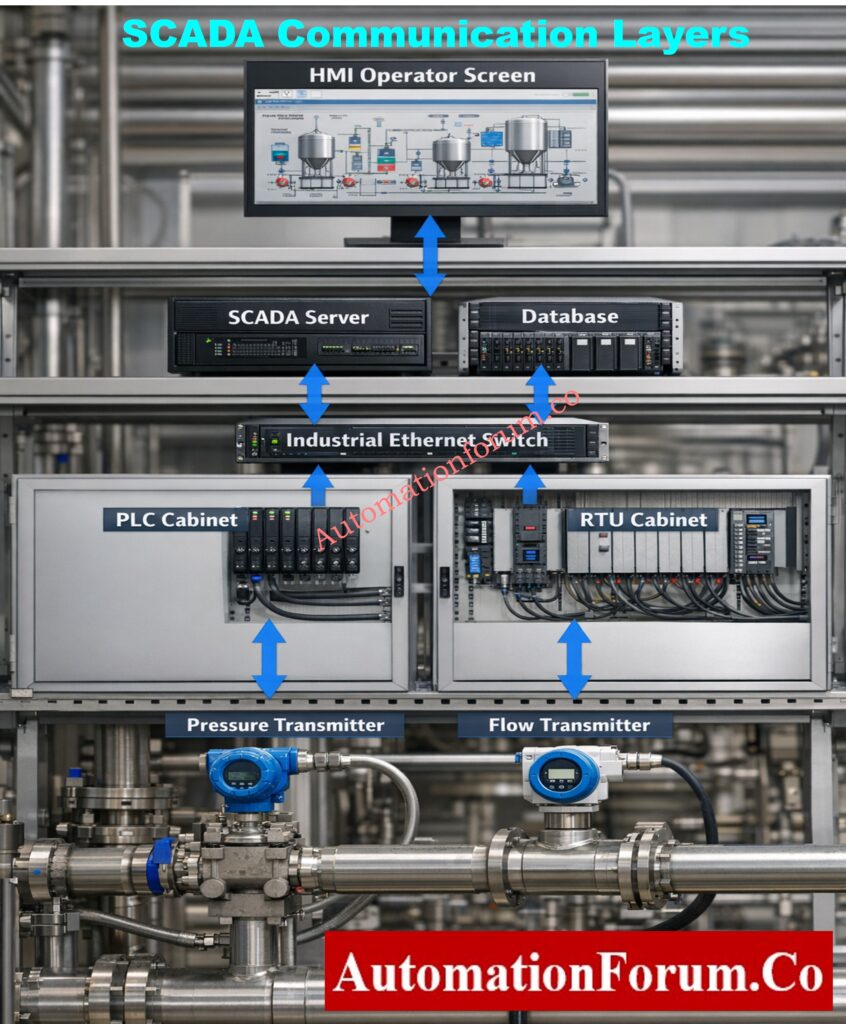
Physical wiring and network hardware are the first technical layers in SCADA communication, followed by protocols and PLC firmware, servers, databases, and visualization software. The entire data path is disrupted by a vulnerability at any layer.
Because of this, SCADA troubleshooting must always be done from the bottom up. Engineers who start with PLC configuration and physical connectivity solve problems more quickly and steer clear of needless modifications to SCADA applications that are frequently operating as intended.
Industrial Communication Protocols Explained – Automation & Instrumentation: Connecting the Industrial World: An Exploration of Communication Protocols in Automation and Instrumentation
Top SCADA Communication Problems and Solutions
SCADA Is Not Updating Values from PLC
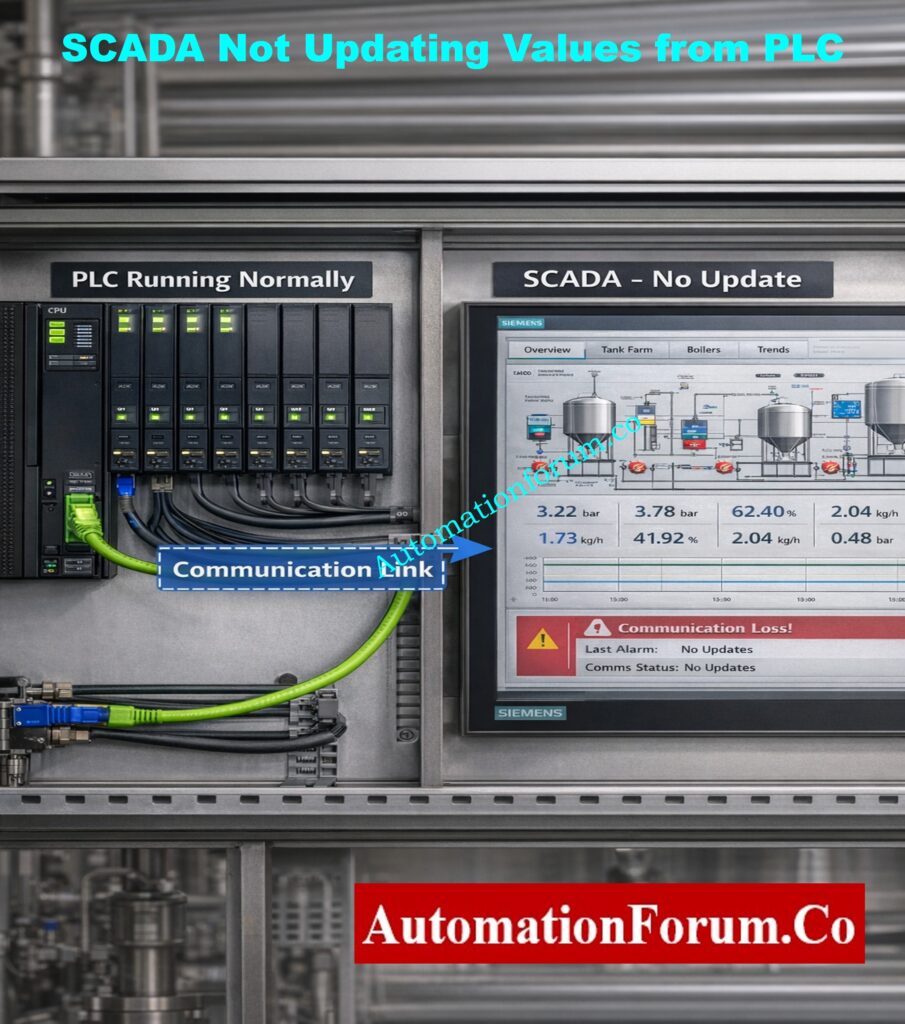
Symptoms
- When live values are directly observed in the PLC programming or diagnostic environment, PLC logic operates as intended.
- The static values displayed on SCADA or HMI screens do not accurately represent the state of the process.
- Even when there is a clear change in the process, alarms do not sound and trends seem flat.
- Even though the communication status looks connected, the tag quality is either invalid or stale.
Common Causes
- Ethernet and serial wiring are examples of physical communication channels that are broken, loose, or improperly terminated.
- The SCADA communication driver contains an incorrect PLC IP address, rack/slot configuration, or device path.
- Appropriate data exchange is hindered by the selection of an incompatible communication protocol or driver.
- PLC communication ports are either blocked, disabled, or allocated to the wrong network segment.
How to Fix
- Ping the PLC from the SCADA server or engineering workstation to confirm basic network connectivity.
- Verify link integrity and traffic activity by examining physical cabling, connectors, and network switch indicators.
- Verify the communication parameters, addressing, and protocol choice between the SCADA and PLC.
- To require driver reinitialization and reconnection, restart SCADA communication services.
Field Tip
Changes to the SCADA configuration will never fix the problem if the PLC cannot be accessed at the network level.
Foundation Fieldbus Quiz – Advanced Test for Instrumentation Engineers: Test your Knowledge on Foundation Fieldbus Communication Protocol: Advanced Quiz for Instrumentation Engineers
Intermittent SCADA Communication (Values Come and Go)
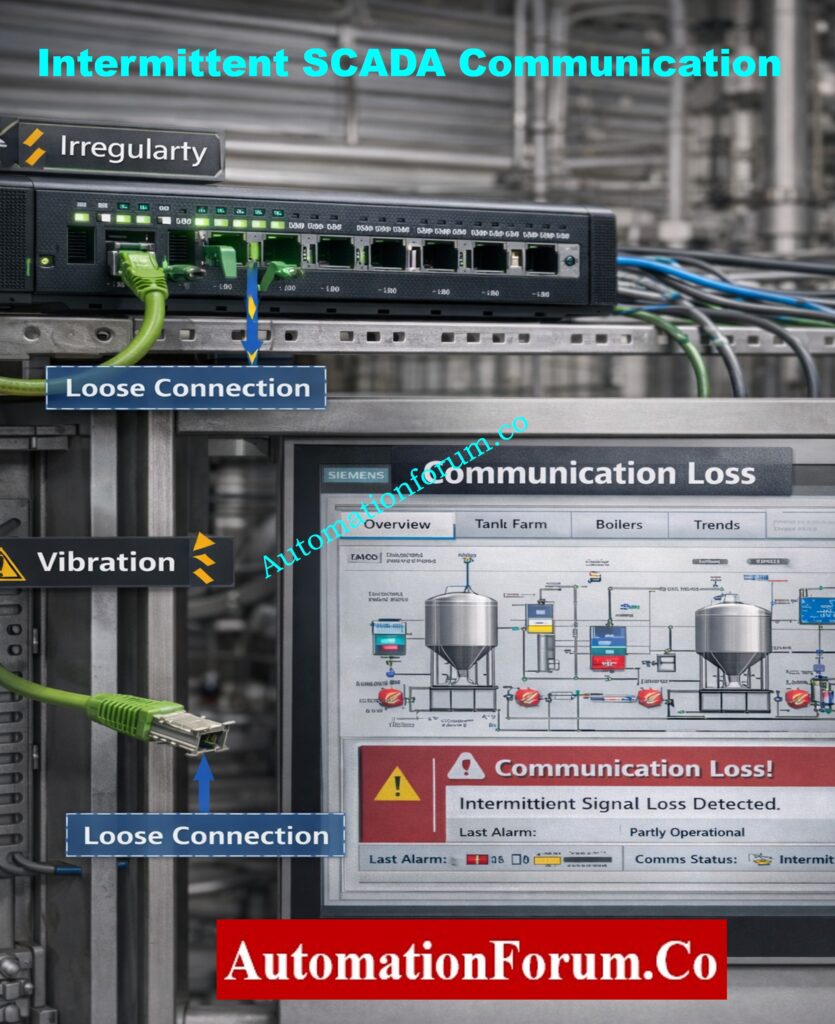
Symptoms
- SCADA values update correctly for a period and then stop updating without any operator action.
- Communication alerts are intermittent and self-explanatory.
- Gaps, broken lines, or irregular sampling intervals are present in trend displays.
- Operators encounter erratic system behavior that fluctuates with load or time.
Common Causes
- Patch cords, terminal blocks, and Ethernet connectors are oxidized, loose, or vibration-affected.
- Network switches are deteriorating because of age, heat, dust, and problems with power quality.
- Interference, signal attenuation, and antenna alignment issues plague wireless links.
- Signal loss and packet retransmissions are introduced by long cables.
How to Fix
- Instead of repeatedly reseating suspect cables and connectors, replace them.
- Make use of industrial-grade switches made to run continuously in challenging conditions.
- Steer clear of wireless communication for safety signals and crucial process control.
- Check for packet loss, retries, or CRC errors in the PLC and switch diagnostics.
Field Tip
Almost always, intermittent communication is a sign of a hardware or physical issue.
Industrial Communication Protocol Interview Q&A – PLC, DCS & SCADA: Industrial Communication Protocol Interview Questions and Answers
SCADA Shows Wrong Values While PLC Is Correct
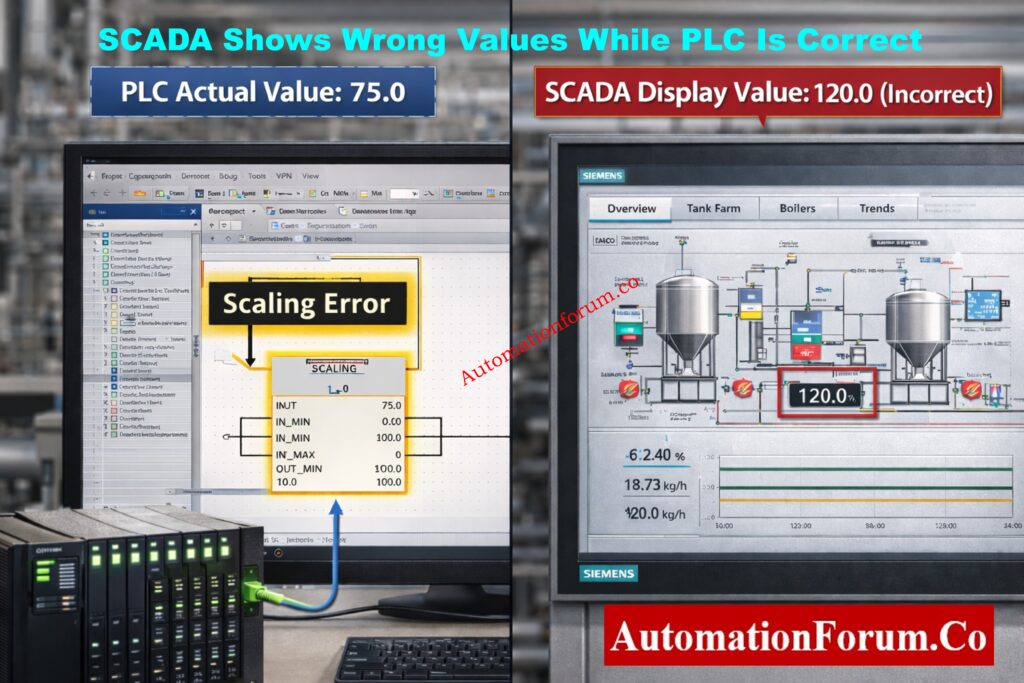
Symptoms
- PLC monitoring verifies the accuracy and stability of the process value.
- For the same measurement, SCADA shows a different numerical value.
- Operators start depending more on local indicators and lose faith in SCADA data.
- The PLC reading is verified by manual devices or transmitters.
Common Causes
- incorrect conversion factors or scaling equations set up in the SCADA tag.
- PLC logic and SCADA configuration are different engineering units.
- The SCADA tag is mapped to the wrong memory location or PLC register.
- Inaccurate numerical interpretation results from data type mismatches.
How to Fix
- Check for accurate tag mapping in SCADA and PLC memory addresses.
- Verify that engineering limits correspond with PLC configuration by reviewing scaling parameters.
- Before applying any scaling, compare the raw PLC and raw SCADA values.
- Verify that the word alignment, byte order, and data type settings are correct.
Field Tip
Scaling is nearly always the problem when engineering values differ but raw values match.
Why 250-Ohm Resistor Is Mandatory in HART Communication: Why is a 250-Ohm Resistor Important for HART Communication?
SCADA Communication Timeout Errors
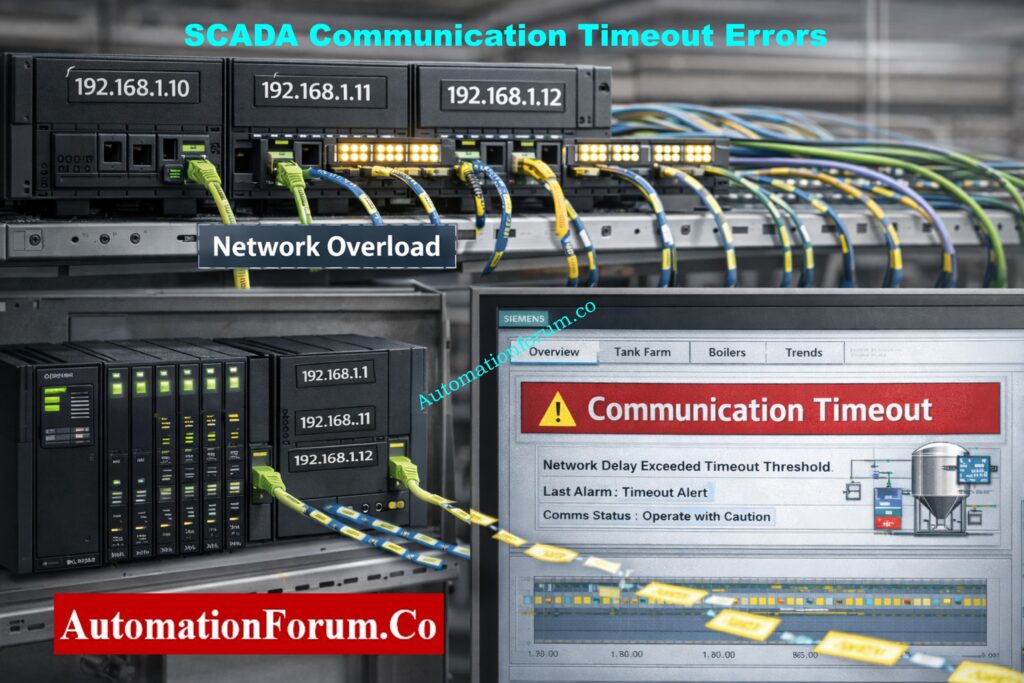
Symptoms
- Timeout or poor communication alarms are frequently reported by SCADA.
- The screen refreshes slowly and irregularly.
- Sometimes alarms are missed or delayed.
- There is a lag between process change and visualization for operators.
Common Causes
- Automation communication is in competition with high background traffic.
- Polling rates are set up more quickly than the PLC or network can handle.
- Communication processing tasks consume PLC scan time.
How to Fix
- To account for network latency, increase the communication timeout settings.
- Instead of using defaults, optimize polling intervals based on process criticality.
- Use VLANs or physically distinct networks to divide automation traffic.
- Cut back on pointless communication blocks and tag polling.
Field Tip
Maximum polling speed does not equal better performance; stability is more important.
Fieldbus vs HART – Complete Communication Protocol Comparison: Difference Between Fieldbus and HART Communication Protocols: Complete Comparison Guide for Process Automation Engineers
IP Address Conflict in SCADA Network
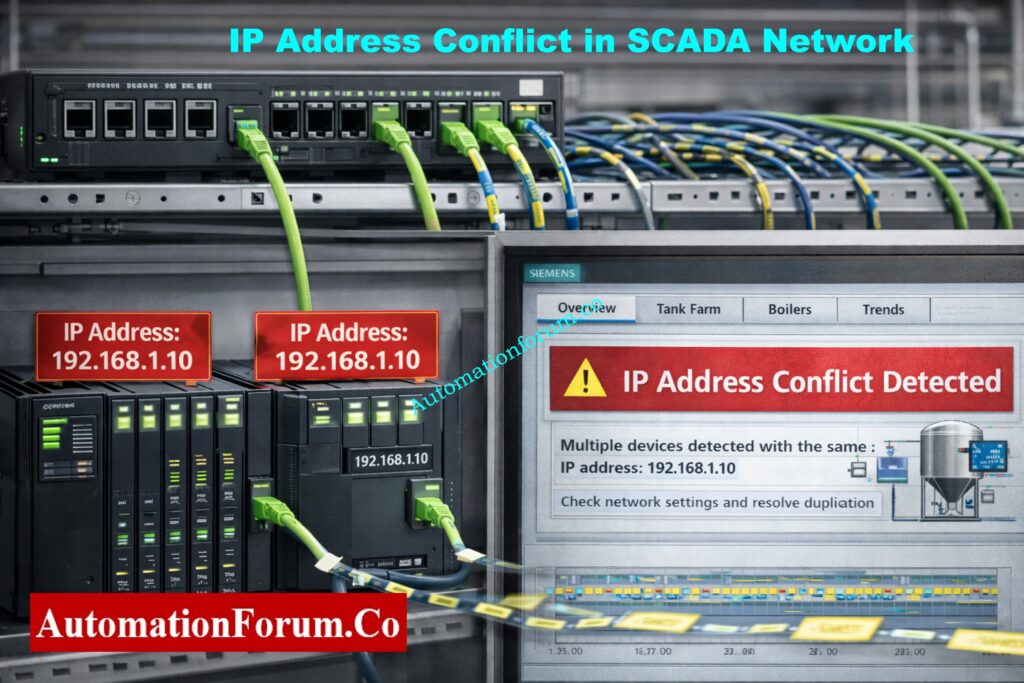
Symptoms
- Unpredictably, PLCs or SCADA nodes disconnect and reconnect.
- Communication breakdowns happen without any configuration adjustments.
- The devices that are active affect the stability of the network.
Common Causes
- Several automation devices are given duplicate static IP addresses.
- On control networks, DHCP servers are inadvertently active.
- outdated or insufficient network documentation.
How to Fix
- Look for duplicate IP addresses by scanning the network.
- Give all PLCs, SCADA servers, and HMIs fixed, documented IP addresses.
- On networks used for industrial automation, disable DHCP.
- Keep a centralized IP address registry up to date.
Field Tip
One of the SCADA problems that takes the longest to diagnose is IP conflicts.
SCADA Applications Explained – Where and How SCADA Is Used: Applications of SCADA
Modbus Communication Not Working in SCADA
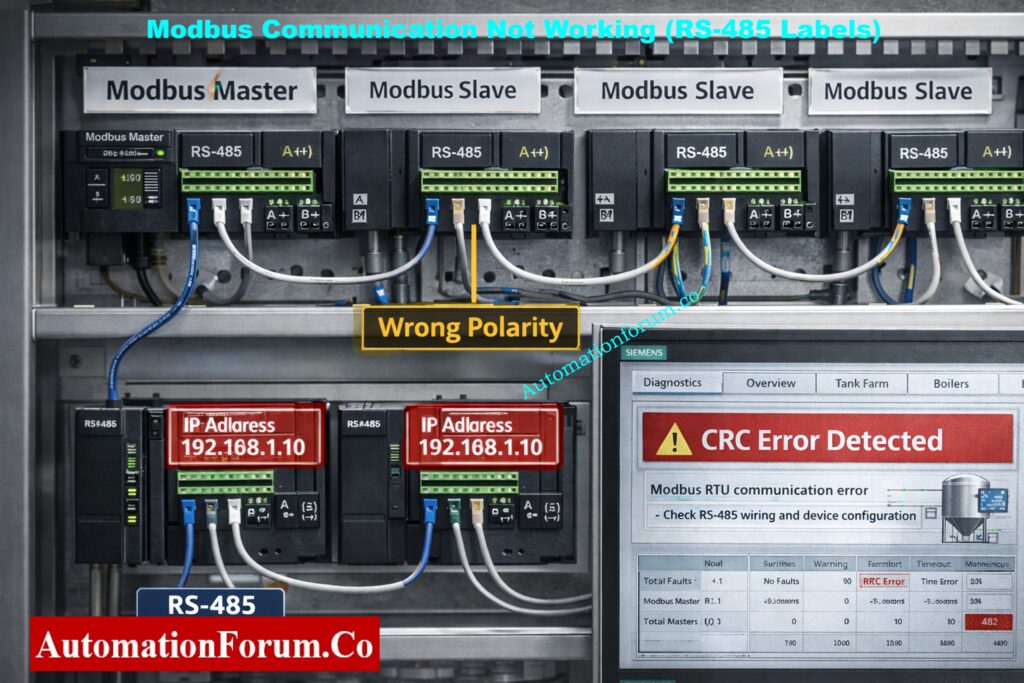
Particularly in utilities, water treatment facilities, energy systems, and legacy installations where Modbus RTU or Modbus TCP are extensively utilized, Modbus communication problems are very prevalent.
Symptoms
- For Modbus devices, SCADA displays “No Response” or “Communication Failure.”
- Every Modbus tag shows erratic, maximum, or zero values.
- The quality of communication fluctuates between good and bad.
- CRC, framing, or timeout errors are displayed in diagnostic logs.
Common Causes
- Inaccurate slave ID set up in SCADA or repeated on several devices.
- mismatch between the master and slave devices in terms of Baud rate, parity, or stop bit.
- Incorrect termination or reversal of RS-485 A/B polarity.
- Electrical noise or poor grounding can interfere with serial communication.
How to Fix
- Make sure that all devices have the same slave ID, baud rate, parity, and stop bits.
- Verify the polarity of all RS-485 wiring, including junction boxes.
- At both ends of the RS-485 network, install termination resistors.
- Prior to SCADA, test communication using independent Modbus diagnostic tools.
Field Tip
Every parameter in Modbus networks needs to match precisely. The entire link is broken by a single incorrect setting.
Types of SCADA Architecture – Centralized, Distributed & Networked: Different Types of SCADA System Architecture
SCADA Works on Server but Not on Client PCs
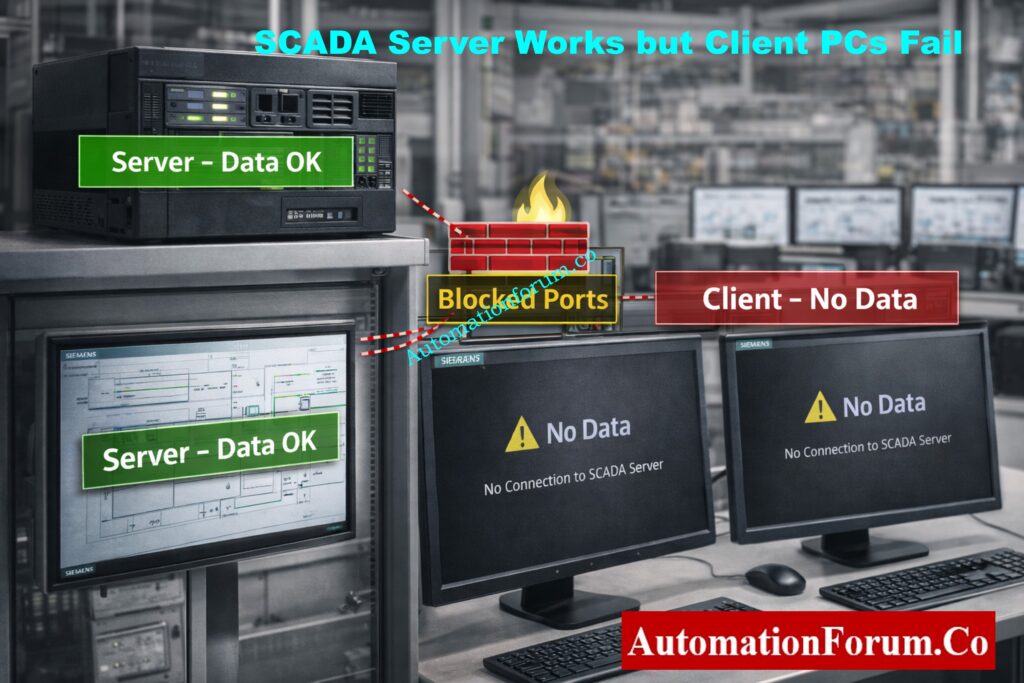
This issue frequently arises in client-server or thin-client distributed SCADA architectures.
Symptoms
- The SCADA server shows accurate, real-time data without any problems.
- Operator client stations display no data, frozen values, or poor quality.
- Only on client computers do alarms, trends, or controls malfunction.
- Restarting clients won’t fix the problem.
Common Causes
- Required ports between clients and servers are blocked by firewall rules.
- Remote access is limited by OPC, DCOM, or SCADA security permissions.
- Licensing restrictions or client connection limits are surpassed.
- problems with DNS resolution or network routing between clients and servers.
How to Fix
- Check the firewall rules on the client and server systems.
- Verify the permissions for remote access in the OPC or SCADA security settings.
- Verify client licenses and the maximum number of connections permitted.
- Use localhost access, hostname, and server IP to test communication.
Field Tip
Usually, network security or IT policy rather than SCADA logic is the problem when the server functions but the clients don’t.
Network Switch Requirements for SCADA & DCS Architectures: Network Switches requirements in “SCADA” and “DCS” Architecture
SCADA Data Update is Very Slow
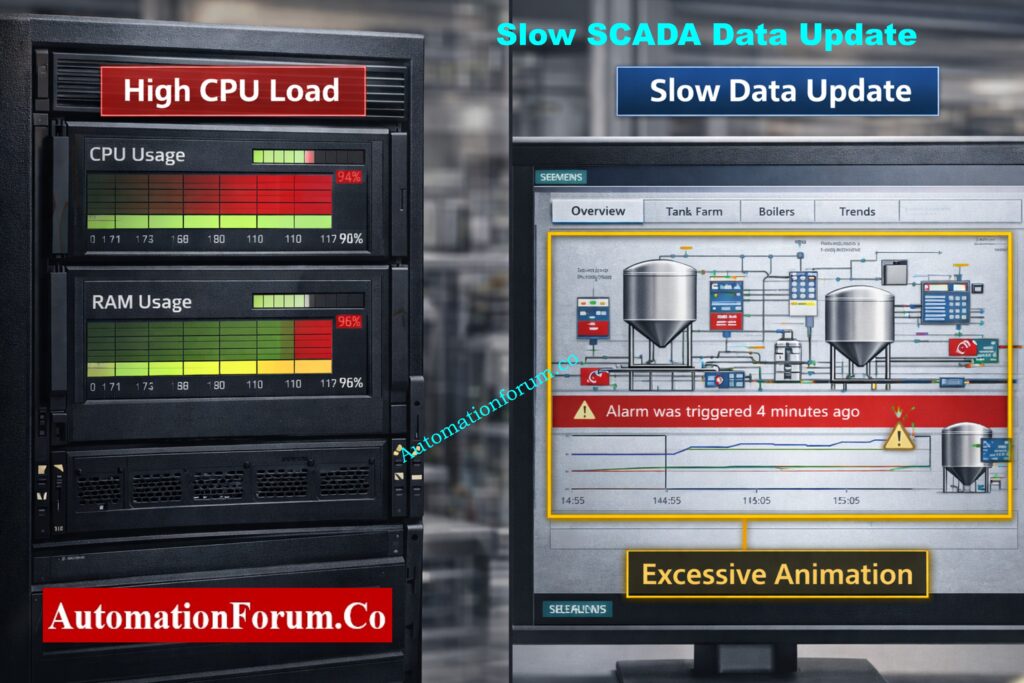
Slow data updates raise operational risk and lower operator awareness.
Symptoms
- Values are updated several seconds after changes in the actual process.
- Real-time process behavior is faster than trend displays.
- Alarms are either out of order or arrive late.
- The system feels “heavy” or unresponsive, according to operators.
Common Causes
- screens that are overflowing with scripts, animations, and graphics.
- inadequate SCADA server CPU, RAM, or disk performance.
- Excessive data loading is a result of a poor project structure.
How to Fix
- Eliminate superfluous animations and simplify graphics.
- Instead of using defaults, modify scan rates according to the significance of the process.
- Upgrade your hardware, particularly your SSD and memory.
- Projects should be arranged so that only necessary data loads on each screen.
Field Tip
SCADA performance is more than just a hardware problem; it is an engineering responsibility.
Advanced SCADA Quiz – Test Your SCADA System Knowledge: Advanced SCADA Systems Quiz
SCADA Loses Data During Power Failure
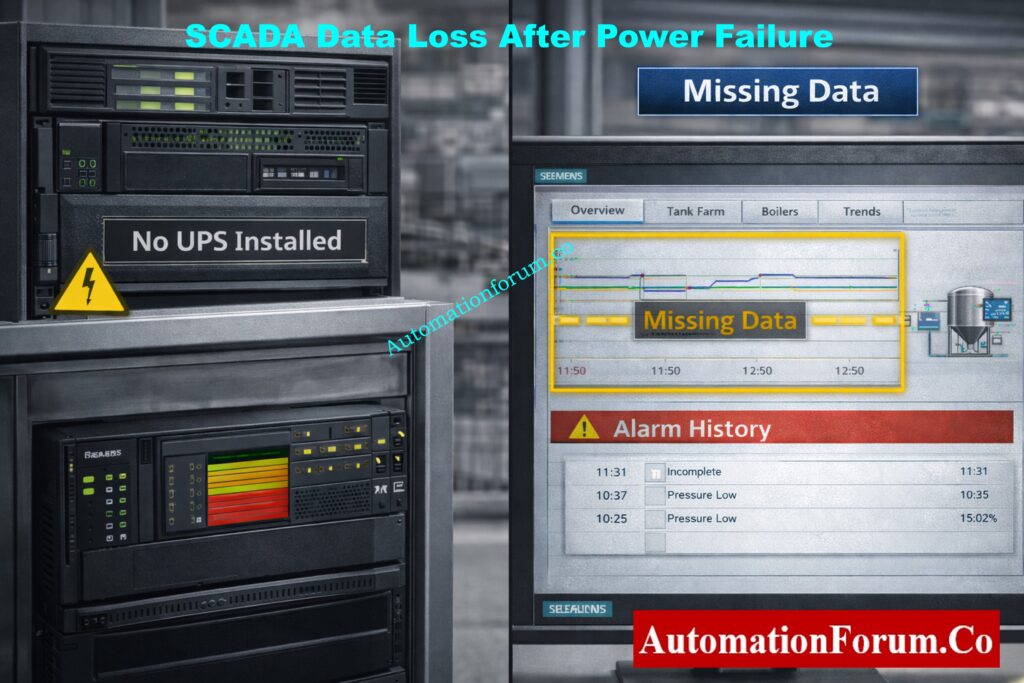
Reporting, compliance, and root-cause analysis are all directly impacted by this problem.
Symptoms
- After power is restored, trend gaps manifest as symptoms.
- The alarm history is either missing or insufficient.
- Reports display data that is corrupted or missing.
- Operators no longer have access to historical data.
Common Causes
- Uninterruptible power supplies are not used to protect SCADA servers.
- When there is a power outage, databases suddenly shut down.
- No historian configuration or automatic backup.
How to Fix
- Install UPS systems sized for controlled shutdown or ride-through.
- Configure automatic database backup and recovery.
- Use a dedicated historian for long-term data retention.
- Periodically test backup and restore procedures.
Field Tip
No matter how good the software is, SCADA cannot ensure data integrity without UPS protection.
SCADA FAT Checklist – Step-by-Step Factory Acceptance Test Guide: Factory Acceptance Test (FAT) Activities for SCADA System: Step-by-Step Checklist
SCADA Communication Fails After PLC Program Download
This issue often arises during maintenance, upgrades, and commissioning.
Symptoms
- Before downloading the PLC program, SCADA communication was operational.
- Trends and alarms stop working.
- Complete loss of visibility is reported by operators.
Common Causes
- During download, the PLC IP address or network configuration was altered.
- Data blocks or memory addresses were changed or reconstructed.
- The default values of the communication parameters are restored.
- The communication configuration was not restored when the PLC restarted.
How to Fix
- Recheck the gateway, subnet, and IP address of the PLC.
- Verify that the updated PLC memory corresponds with the SCADA tag mapping.
- PLC and SCADA communication services should be restarted.
- If necessary, reload or rebuild the communication drivers.
Field Tip
Prior to downloading any programs, always make a backup of the PLC.
ICS/SCADA OT Cybersecurity Self-Assessment – NIST-Based Practical Guide: ICS/SCADA OT Cybersecurity Self-Assessment: NIST-Based Procedure for Critical Infrastructure
Why Mastering SCADA Communication Troubleshooting Makes You a Better Automation Engineer
SCADA communication issues are not software mysteries; rather, they are engineering issues. Automation engineers who are knowledgeable about networking, protocols, addressing, and performance tuning solve issues more quickly and create long-lasting systems.
Mastering SCADA communication troubleshooting makes you:
- Faster during breakdowns
- Stronger during commissioning
- More confident during audits
- More valuable as an automation engineer
SCADA vs HMI Explained – Key Differences, Functions & Real-World Uses: SCADA vs. HMI: Complete Guide to Differences, Functions and Applications
Frequently Asked Questions (FAQ) on SCADA Communication Problems
What are the problems with SCADA systems?
SCADA not updating values from PLC, sporadic communication loss, timeout errors, incorrect data display, Modbus failures, and IP address conflicts are the most frequent SCADA communication issues. Network or PLC configuration issues are typically the source of these problems.
What are the types of communication in SCADA?
Wired communication (Ethernet, fiber, RS-232, RS-485), wireless communication (radio, cellular, satellite, Wi-Fi), and industrial protocols (Modbus, DNP3, OPC, Profibus, Profinet, Ethernet/IP) are all included in SCADA communication.
What are the security issues with SCADA communication?
Unauthorized access, a lack of encryption, weak authentication, malware attacks, network intrusion, and inadequate network segmentation are common SCADA communication security problems, particularly in legacy systems.
Why does SCADA show No Data while the PLC is running?
Incorrect IP addresses, incorrect tag addressing, disabled PLC communication ports, network cable issues, or firewall limitations can all cause SCADA to display “No Data.”
How do I troubleshoot PLC to SCADA communication issues?
Physical network connectivity should be checked first, followed by IP addressing and protocol settings verification, PLC communication status confirmation, and SCADA tag configuration review.
SCADA Security Checklist – 30+ Must-Follow Cyber Protection Tips: SCADA Security Checklist: 30+ Essential Tips for Securing Critical Infrastructure
