
- Introduction to Siemens LOGO! 9
- Evolution of Compact Logic Controllers
- Siemens LOGO! 9 vs Older Siemens Controllers
- Key Features of LOGO! 9 Logic Controllers
- Modern Visualization and Touchscreen Interface
- LOGO! Soft Comfort V9 Programming and Engineering
- User Management and Access Control in LOGO! 9
- Built-In Security for Modern Automation
- Lifecycle Management and Maintenance Advantages
- Sustainability and EcoTech Certification
- Applications of LOGO! 9 in Industry
- Advantages of LOGO! 9 Over Previous Versions
- LOGO! 9 Compared with Older Siemens Controllers
- Why LOGO! 9 Matters for Engineers
- Future of Compact Automation
- When Siemens LOGO! 9 Is the Better Choice
- FAQ on Siemens LOGO! 9
- Conclusion: Final Verdict on Siemens LOGO! 9
Introduction to Siemens LOGO! 9
Why Compact Automation Controllers are Evolving
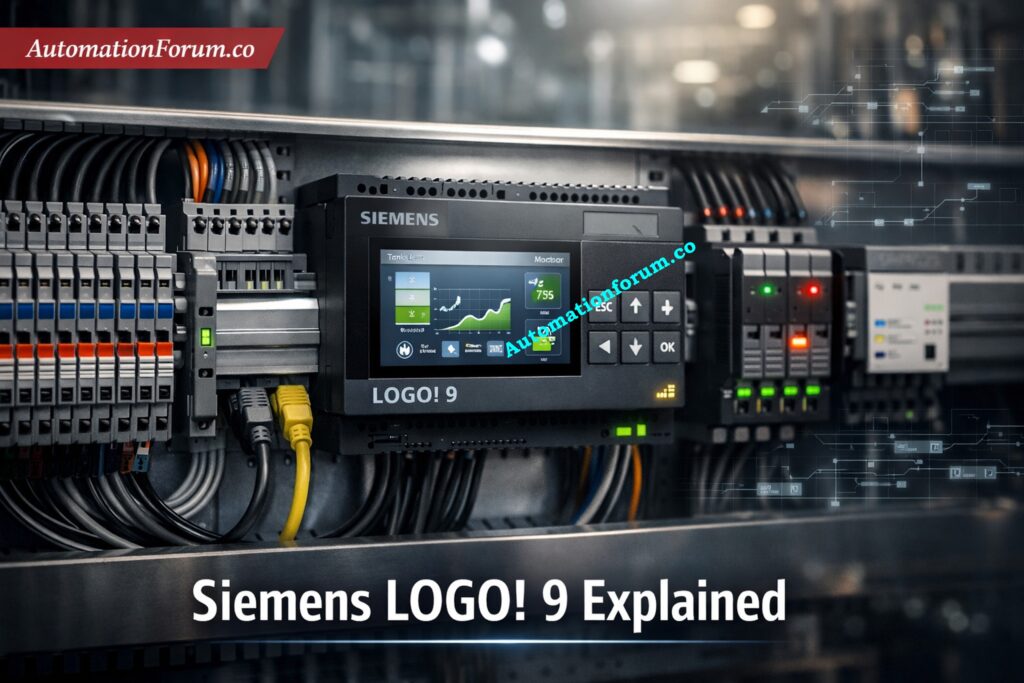
The automation landscape is rapidly evolving, and compact controllers are no longer limited to simple logic operations. Addressing this transformation, Siemens has introduced the LOGO! 9 next-generation logic controller, marking a major technological leap in small-scale automation.
In earlier compact automation systems, engineers often relied on basic logic modules or STEP 7-based Siemens controllers for straightforward switching and control tasks. While these systems were reliable, they were limited in visualization, connectivity, and advanced diagnostics. LOGO! 9 addresses these gaps by combining compact controller simplicity with features that are closer to a modern PLC platform.
What Makes LOGO! 9 Different from Earlier Models
After more than a decade since the previous major update, LOGO! 9 brings significant advancements in processing power, usability, visualization, connectivity, and cybersecurity. Designed for applications such as building automation, small machine control, and process skids, this new controller combines the simplicity of a logic module with capabilities traditionally associated with full-scale PLC systems.
ControlLogix 5590 Secrets Every Engineer Must Know: ControlLogix 5590 Explained: Next-Gen PLC for Smart Manufacturing
Evolution of Compact Logic Controllers
Limitations of Older Compact Controllers
The introduction of LOGO! 9 reflects the changing requirements of modern automation systems. In the past, tiny controllers were mostly employed for simple control and switching tasks. But today’s apps need:
- Real-time data processing
- Advanced control algorithms
- Interfaces that are easy for operators to use
- Communicating safely
- Architecture for a system that can grow
Why Modern Automation Needs More Capability
Siemens has redesigned the LOGO! since it sees this change. platform to provide more computing power while yet being easy to use. The release is the first big upgrade in almost 11 years, and it sets new standards for small automation devices.
PLC Alarm and Trip Documentation Done Right: PLC Alarm and Trip Documentation Procedure – EPC PLC Automation Engineer Guide
Siemens LOGO! 9 vs Older Siemens Controllers
LOGO! 9 Compared with STEP 7-Based Systems
Compared with older Siemens compact controllers and STEP 7-based systems, LOGO! 9 offers a more modern approach to small automation projects. Earlier models were suitable for basic control tasks, but they often lacked built-in visualization, advanced communication options, and flexible engineering tools.
LOGO! 9 Compared with Legacy Siemens Compact Controllers
LOGO! 9 improves on these older systems in several important ways:
- More logic capacity for complex control sequences
- Better analog processing for measurement-based applications
- Built-in color touchscreen for easier operation and monitoring
- Expanded I/O for larger applications
- Cross-platform engineering with LOGO! Soft Comfort V9
- Improved security features for connected environments
This makes LOGO! 9 a better fit for projects where simple relay logic is no longer enough, but a full-scale PLC may be more than what is required.
PLC Resolution Demystified for Better Control: Resolution in PLCs – The Complete Guide for Automation & Instrumentation Engineers
Key Features of LOGO! 9 Logic Controllers
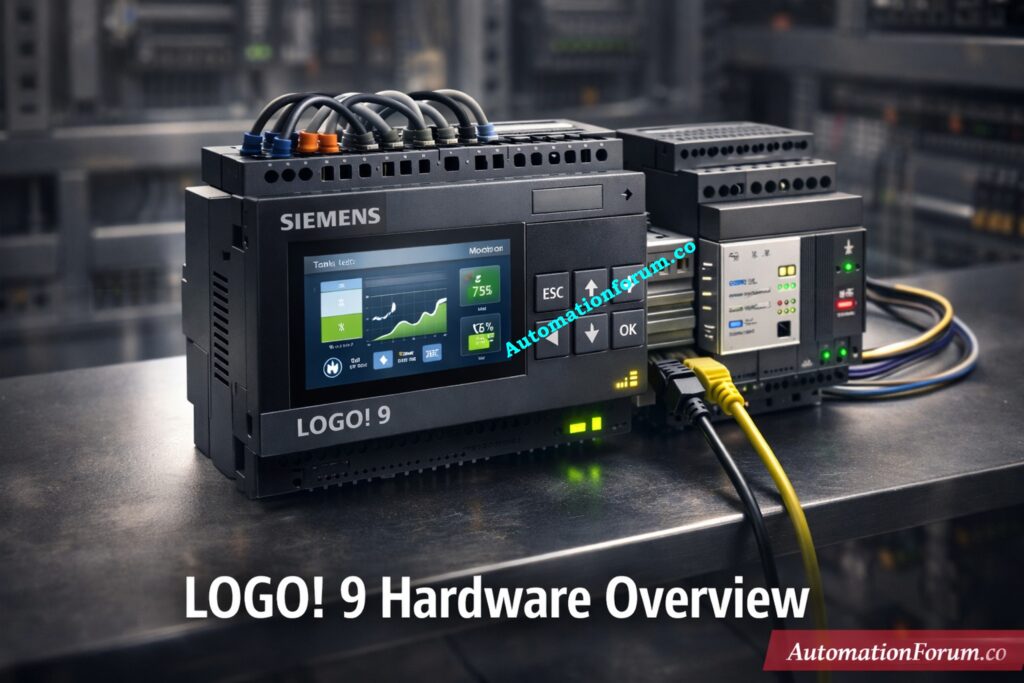
LOGO! 9 adds a number of improvements that greatly increase its usefulness and variety of uses. These changes make it a flexible option for both simple and fairly complicated automation systems.
1. Increased Logic Processing Capacity
One of the most notable upgrades in LOGO! 9 is the doubling of logic processing capability.
- Supports up to 800 function blocks
- Enables more complex logic within a single controller
- Reduces the need for multiple devices
This increase allows engineers to design sophisticated control strategies without expanding system hardware. As a result, projects become more cost-effective and easier to manage.
2. Expanded I/O Capability
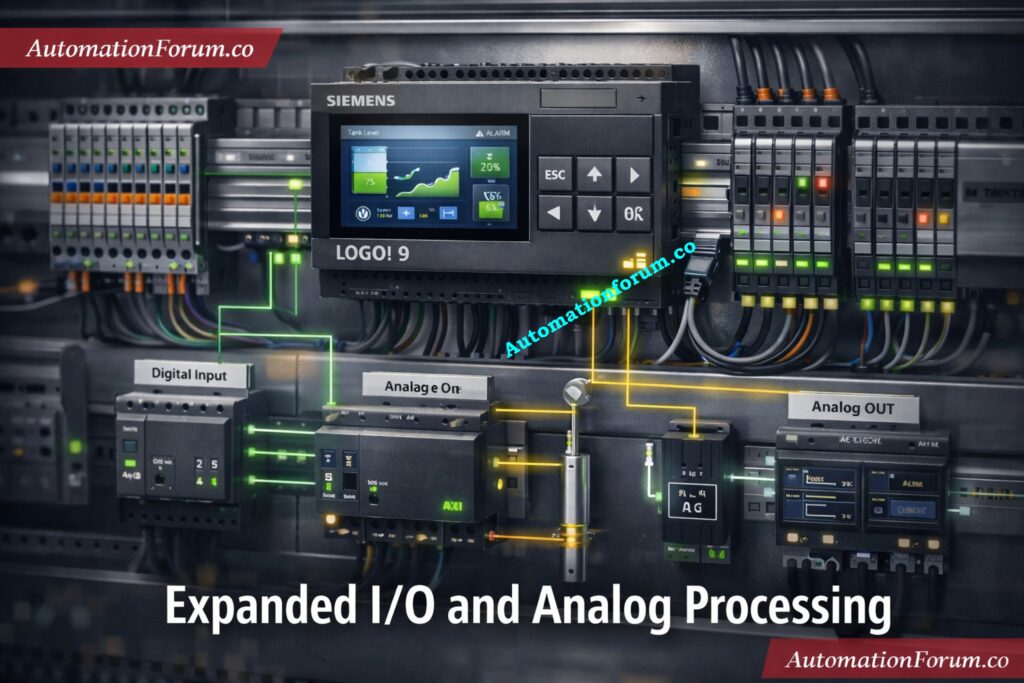
LOGO! 9 makes systems much more scalable by increasing the number of inputs and outputs they can handle:
- Up to 64 digital inputs (DI)
- Up to 60 digital outputs (DO)
- Up to 16 analog inputs (AI)
- Up to 16 analog outputs (AO)
This bigger I/O structure lets the controller work with bigger automation systems, thus it can be used for tasks that used to need more than one controller.
PLC Data Types That Prevent Costly Errors: PLC Data Types Every Automation Engineer Must Know to Avoid Costly Programming Errors
3. Advanced Analog Processing and Calculations
Many modern automation systems depend on accurate analog measurements and complicated math. LOGO! 9 meets this demand by:
- New AM4 analog expansion module
- Different applications can choose their resolution
- Help with floating-point arithmetic
- More complicated math functions
These features make processing sensor data more accurate and allow for more precise control in applications like:
- Environmental monitoring
- Process industries
- HVAC systems
- Water and wastewater treatment
LOGO! 9 improves system efficiency by putting complex calculations right into the controller, which means fewer external devices are needed.
PLC Permissive Logic Troubleshooting That Works: PLC Permissive Logic Troubleshooting Procedure for Instrumentation Engineers
Modern Visualization and Touchscreen Interface
A major usability improvement in LOGO! 9 is the introduction of a built-in color touchscreen display.
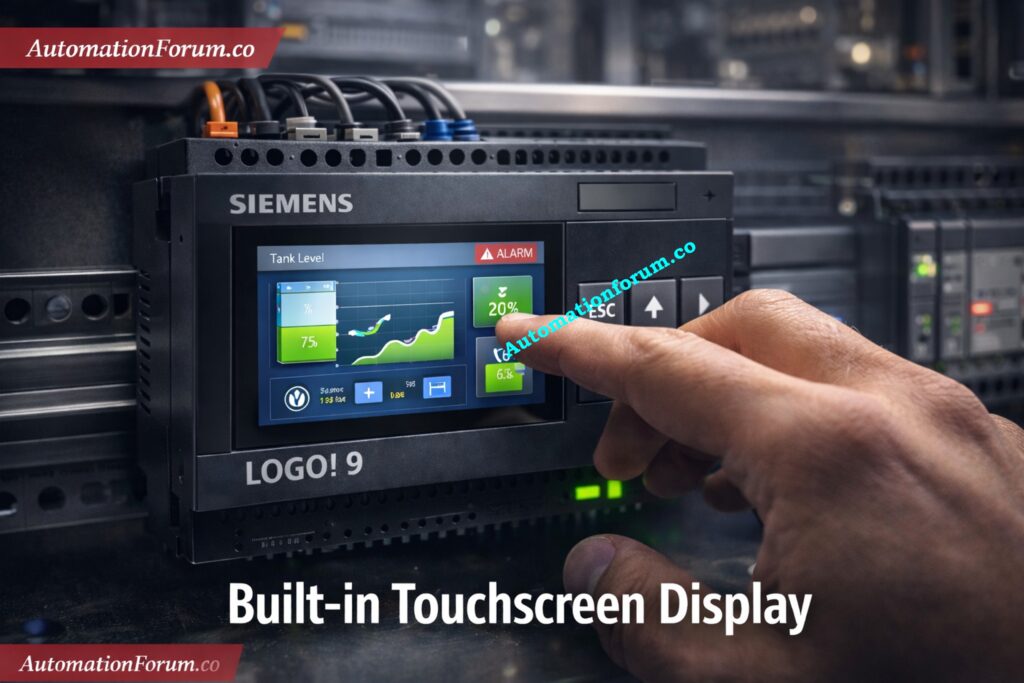
Built-In Color Touchscreen Display
- Resolution: 320 × 240 pixels
- Seeing the state of the system in real time
- Better diagnostics and finding faults
- An easy-to-use operator interface
Optional 4.3-Inch External Display
For applications that need better visualization, Siemens additionally offers an option:
- 4.3-inch external display
- Resolution: 480 × 272 pixels
- Dual Ethernet connectivity
Real-Time Monitoring and Diagnostics
This mix of built-in and external visualization tools makes it much easier for operators to interact, keep an eye on things, and fix problems.
PLC Panel Inspection Checklist to Stop Failures: Running Inspection Checklist of PLC Components in Control Panels
LOGO! Soft Comfort V9 Programming and Engineering
Engineering flexibility is another strong point of LOGO! 9. The controller is programmed using LOGO! Soft Comfort V9, which introduces several enhancements:
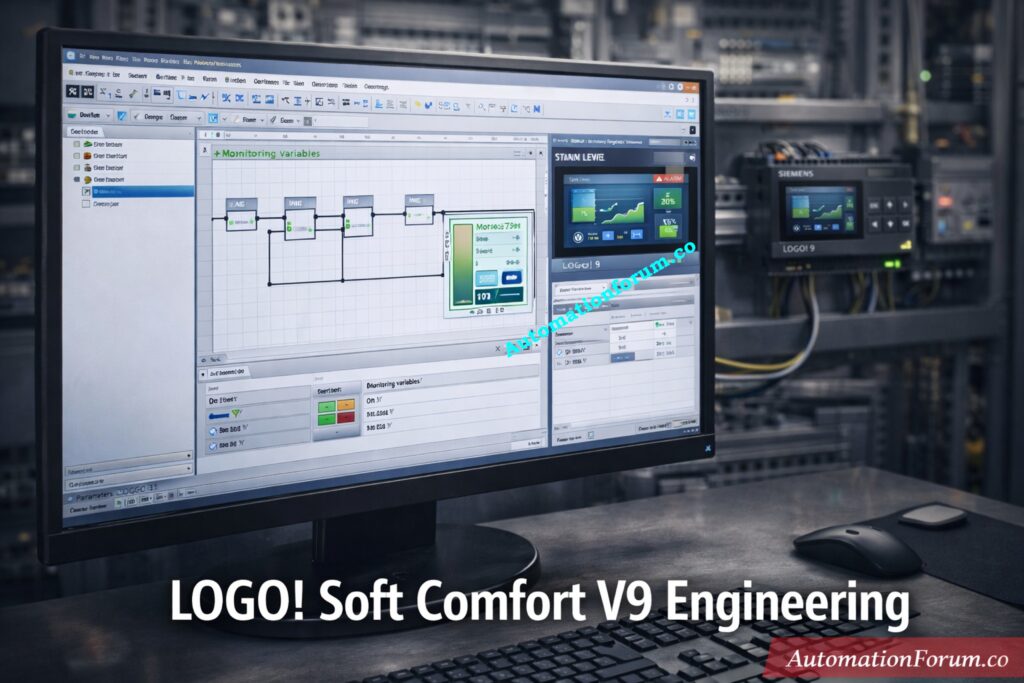
Cross-Platform Support for Windows, macOS and Linux
- Plug-and-play installation via USB
- Compatibility with previous LOGO! versions
- Integrated simulation and web editor
- Support for: Windows. macOS. Linux
This portability across platforms makes it easy for engineers to create, test, and deploy apps on different operating systems.
Refer the below link for the Understanding NO vs NC Contacts is key for Logic Writing in PLC Programming
User Management and Access Control in LOGO! 9
LOGO! 9 also introduces a User Management Access Control (UMAC) system with four roles:
- Administrator
- Engineer
- Operator
- User
This allows organizations to define access levels and improve project security while maintaining operational flexibility.
Why 24 Volts Dominates Industrial PLCs: Why is 24 Volts Mostly used in Industrial PLC Systems?
Built-In Security for Modern Automation
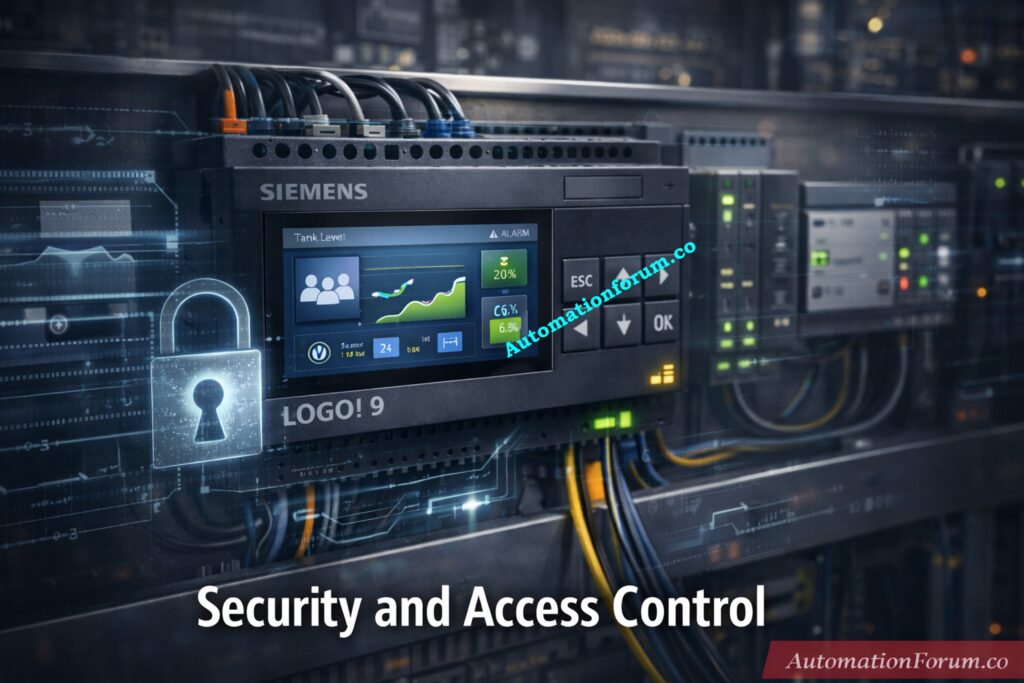
Cybersecurity is now a must-have as industrial systems become more and more connected. LOGO! 9 has a number of security features to keep automation systems safe:
- Protocols for secure communication
- Keep people from changing things and getting into things they shouldn’t.
These characteristics make sure that the controller may work safely in linked contexts, such as IIoT (industrial IoT) applications.
RTO vs TON: The Smarter PLC Choice: Why is RTO Used in Place of TON Timer in PLC Program?
Lifecycle Management and Maintenance Advantages
LOGO! 9 is built to be easy to maintain and administer over its lifetime, as well as to perform well.
Maintenance Features:
- LOGO! lets you update your firmware. Soft Comfort
- Resetting the factory while keeping the IP address
- Easier to replace and set up
These features cut down on downtime and maintenance work, making the controller perfect for industrial settings where reliability is very important.
Standard vs Safety PLCs: Know the Difference: Difference Between Standard and Safety PLCs: Features, Applications & Future Trends
Sustainability and EcoTech Certification
In current industrial design, sustainability is a big deal. LOGO! 9 helps with this purpose by including:
- Energy-efficient design
- Reduced hardware requirements
- Optimized lifecycle performance
The controller is linked to the Siemens EcoTech logo, which shows how it helps make automation solutions that are better for the environment.
PLC I/O Maintenance Tactics That Slash Downtime: Proactive Maintenance Strategies for PLC I/O Modules: Reduce Downtime & Improve Reliability
Applications of LOGO! 9 in Industry
For engineers, the main value of LOGO! 9 is not only the added features, but also the reduction in overall system complexity. In many small automation projects, it can replace multiple devices, reduce wiring, simplify panel layout, and make troubleshooting faster. This is especially useful in machine skids, utility systems, and building automation projects where space, cost, and commissioning time are important.
Thanks to its enhanced capabilities, LOGO! 9 can be deployed across a wide range of applications:
1. Building Automation
- Lighting control
- HVAC systems
- Energy management
2. Small Machine Control
- Packaging machines
- Conveyor systems
- Motor control applications
3. Process Industry Applications
- Pump control systems
- Level and flow control
- Water treatment plants
4. Infrastructure and Utility Systems
- Irrigation systems
- Smart agriculture
- Utility monitoring
LOGO! 9 is a flexible solution for both discrete and process automation since it can handle complicated logic and analog processing.
PLC Redundancy Explained Before Failure Hits: Understanding PLC Redundancy: Cold, Warm & Hot Redundancy
Advantages of LOGO! 9 Over Previous Versions
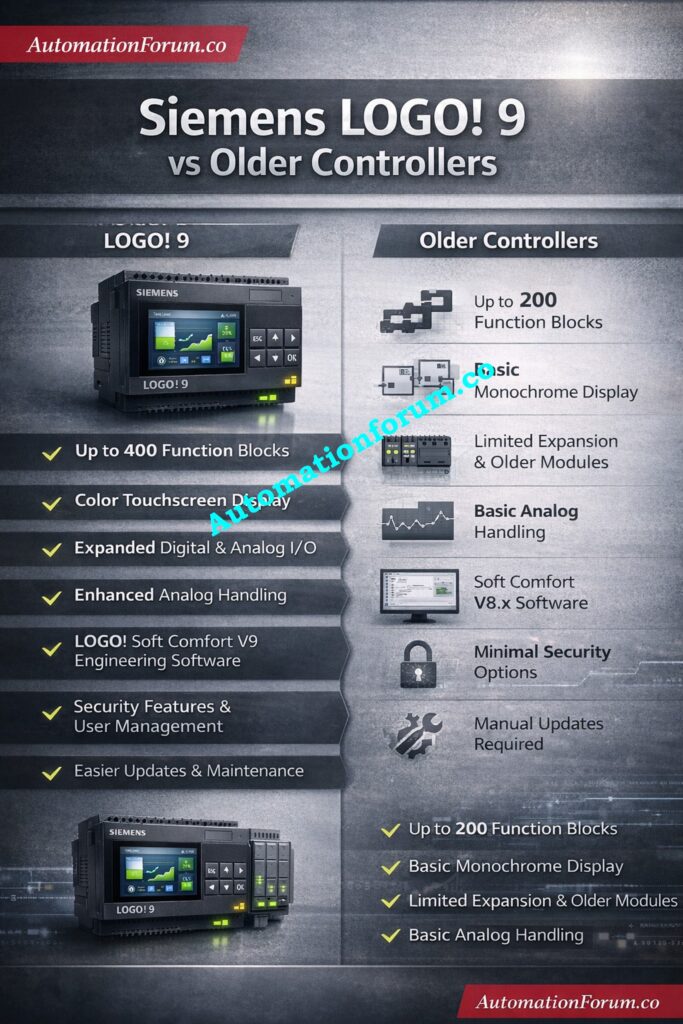
Compared to earlier generations, LOGO! 9 offers several advantages:
Compared with older Siemens compact controllers and STEP 7-based systems, LOGO! 9 offers a number of useful improvements:
- More advanced applications need more logic capacity.
- A built-in touchscreen makes it easier to see things.
- Easier engineering with LOGO! Soft Comfort V9
- Improved analog handling and calculation capability
- Stronger cybersecurity for connected installations
- More flexible expansion for future growth
These improvements make LOGO! 9 a more complete solution for modern small-scale automation.
| Feature | Previous LOGO! Versions | LOGO! 9 |
| Function Blocks | ~400 | Up to 800 |
| Display | Basic / Optional | Built-in color touchscreen |
| I/O Capacity | Limited | Expanded significantly |
| Calculations | Basic | Floating-point & advanced math |
| Engineering | Windows-only | Cross-platform |
| Security | Limited | Secure Boot & encryption |
These improvements demonstrate a clear shift toward higher performance, flexibility, and security.
Sinking vs Sourcing: Pick the Right Connection: Sinking and Sourcing: Which Connection is Best for Your PLC?
LOGO! 9 Compared with Older Siemens Controllers
Compared with earlier compact controllers and STEP 7-based Siemens systems, LOGO! 9 offers a more modern experience in terms of usability, visualization, and connectivity. Older models were often more limited in display options, logic capacity, and communication flexibility. LOGO! 9 improves this by adding a color touchscreen, expanded I/O, more function blocks, better analog handling, and stronger cybersecurity features. For small automation tasks, this means less hardware, easier commissioning, and more efficient troubleshooting.
LOGO! 9 vs Older Siemens Controllers: Feature Comparison Table
| Feature | Older Siemens Controllers / Legacy Systems | LOGO! 9 |
| Programming | More traditional workflow, less flexible | LOGO! Soft Comfort V9, easier engineering |
| Display | Basic or external only | Built-in color touchscreen |
| I/O Expansion | Limited | Expanded scalability |
| Analog Processing | Basic | Improved analog handling and calculations |
| Connectivity | More limited | Better communication and web-based options |
| Security | Minimal | Secure boot and encrypted communication |
| Maintenance | More manual | Easier commissioning and firmware handling |
Why LOGO! 9 Matters for Engineers
LOGO! 9 has a number of useful features for instrumentation and control engineers:
- Less space on the panel since there are fewer controllers
- Made wiring and system architecture easier
- Better diagnostic tools
- More accurate data and better control precision
- Engineering and commissioning go faster
In EPC and process sector projects, this means reduced costs, faster deployment, and more reliable systems.
PLC Hardware Explained for Faster Selection: PLC Hardware: Modules,Types, Functions, and Applications
Future of Compact Automation
The release of LOGO! 9 is part of a larger trend in industrial automation: the merging of small controllers and complex PLC features.
Modern automation systems demand:
- Edge-level intelligence
- Secure connectivity
- User-friendly interfaces
- Scalable architectures
LOGO! 9 does a great job of combining these needs into a small platform, making it an excellent candidate for future automation initiatives.
Increase PLC Speed With Proven Optimization Tips: How to Increase PLC Speed: 7 Optimization Tips + Advanced Programming Guide
When Siemens LOGO! 9 Is the Better Choice
It works well for HVAC systems, controlling pumps, small equipment, lights, and keeping an eye on utilities. A full PLC platform may still be the best choice for bigger factories with complicated networking, fast control, or a lot of process integration. For larger industrial plants with complex networking, high-speed control, or extensive process integration, a full PLC platform may still be the better option.
PLC Backup Checklist to Avoid Disaster: Programmable Logic Controller (PLC) Program Backup Checklist
FAQ on Siemens LOGO! 9
What is Siemens LOGO! 8?
Siemens LOGO! 8 is the previous-generation compact logic module for small automation tasks such as switching, timing, counting, and monitoring. It is the older platform before LOGO! 9, which adds more features and a modern display.
What is a Siemens LOGO!?
Siemens LOGO! is a small logic module that can be used for ordinary automation tasks including controlling machines, automating buildings, and running programs on their own. It combines control, display, communication, and expansion in one small PLC-style device.
What is the symbol for Siemens?
The Siemens symbol is the Siemens brand wordmark used across the company’s official identity and products. It represents Siemens as a global industrial technology brand.
Which software is used for Siemens LOGO! PLC?
The main software is LOGO! Soft Comfort V9, which Siemens provides for configuring, simulating, and deploying LOGO! projects. It works on Windows, macOS, and Linux.
What is a Siemens LOGO! Controller?
A Siemens LOGO! controller is a small logic controller that can be used for simple automation tasks that don’t need a full PLC. It is popular for HVAC, pumps, lighting, and basic machine control.
Which software is used for Siemens LOGO! PLC?
Siemens LOGO! PLC systems are programmed with LOGO! Soft Comfort V9, the official engineering software for the platform. It supports programming, simulation, and web visualization in one tool.
Is Siemens PCS 7 a DCS?
Yes. SIMATIC PCS 7 is Siemens’ distributed control system (DCS) for process industries. It is designed for scalable, flexible, and robust plant control.
Hot Standby PLC Architecture That Prevents Shutdowns: Hot Standby in PLC Systems: Architecture, Working, and Benefits
Conclusion: Final Verdict on Siemens LOGO! 9
LOGO! 9 is not just an incremental upgrade it represents a complete transformation of compact logic controllers. Siemens has changed what a small controller can do by adding more processing power, better analog capabilities, current visualization, and strong cybersecurity.
LOGO! 9 is a strong, adaptable, and future-ready solution for engineers who work in building automation, machine control, or process industries. It does a great job of connecting small relay logic modules to full-scale PLC systems, making it a great choice for automation applications of the future.
Refer the below link for the PLC System Documentation Guide: Essential Records for Industrial Automation
